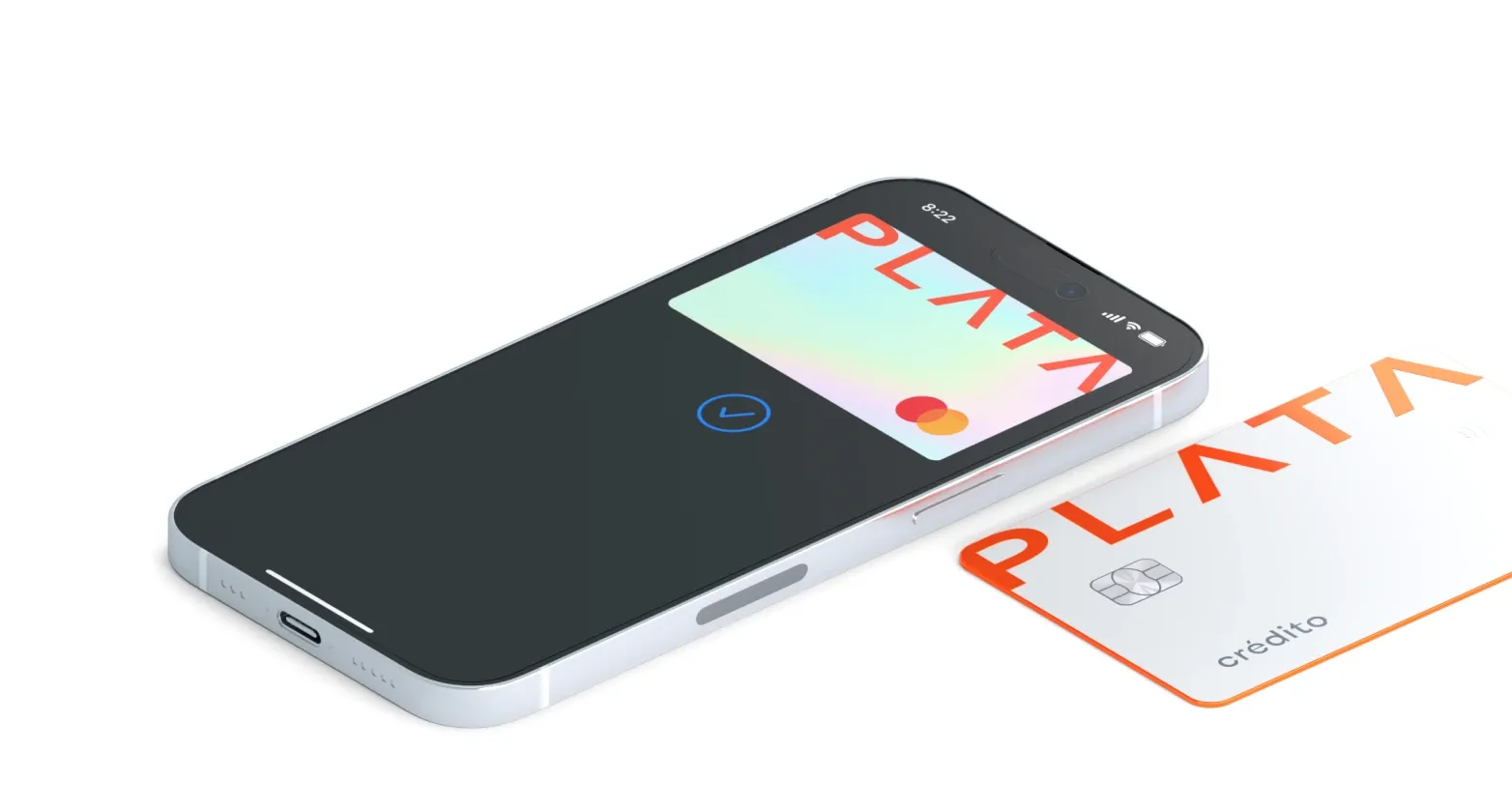
Safer and faster with Apple Pay

Pay with your Plata Cards using Apple Pay in stores, online, and in apps

Image

Why Apple Pay

Why Apple Pay

Pay easily with the devices you use daily

Use the easiest, most secure way to pay with your phone or Apple Watch

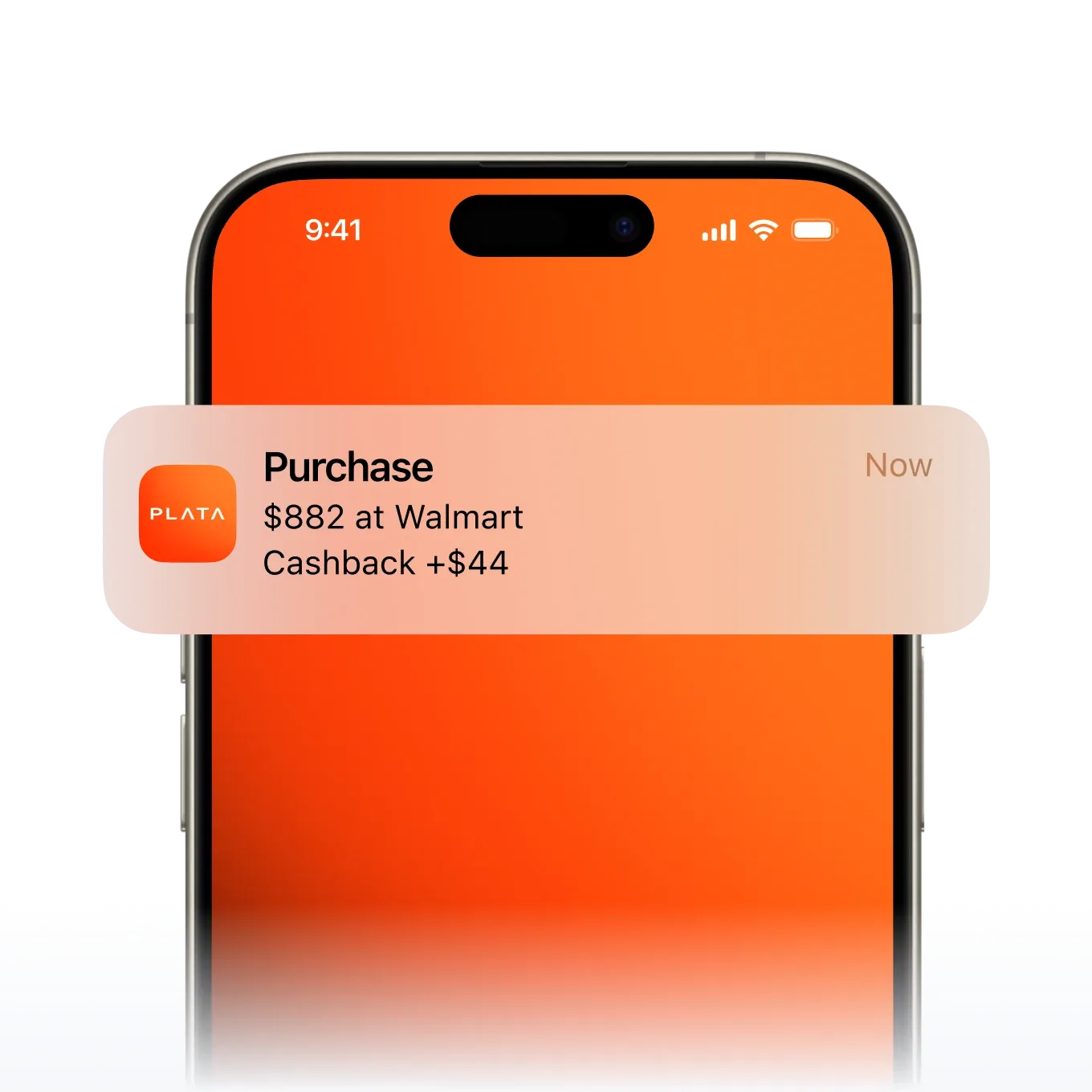
Get instant payment notifications

You can be sure that your payment has gone through

Buy with one touch with your Banco Plata Cards

Forget filling out your card details online
bullets group media

How to add

Image

Life gets easier with Apple Pay

Apply for a cards in minutes

Frequently
asked questions

You can add any of your Banco Plata cards to Apple Wallet, whether the card is physical or digital.


Use the Banco Plata app for more convenience.

Open the app, select your card, tap 'Add to Apple Wallet', and then choose one of your Apple devices where you wish to add your card.

You can pay with your Banco Plata card and Apple Pay anywhere you see one of these symbols:



Apple Pay is the fastest, most secure way to pay in stores with iPhone and Apple Watch. Pay instantly with the devices you always carry with you.

Apple Pay is also the easiest way to pay in apps and on websites. To pay, select Apple Pay as your payment method and confirm your transaction with Face ID or Touch ID.

On iPhone, double-click the side or Home button, authenticate with Face ID, Touch ID, or your passcode, then hold your device near the reader to pay.


On Apple Watch, just double-click the side button, then hold your device near the reader to complete your purchase.


When purchasing online or in-app, tap the Apple Pay button, confirm your billing and shipping information, then authenticate with Face ID, Touch ID, or your passcode.

Apple Pay uses the security features built into your Apple device to help keep your purchases private and secure.


All transactions require Face ID, Touch ID, or your passcode on your iPhone, iPad, or Mac, and a double-click on your Apple Watch. These features are designed so only you can make purchases with Apple Pay.


Your actual card number is never stored on your device or Apple servers. And when you pay, your card number is never shared by Apple with merchants, keeping these details hidden and offering an additional level of protection against fraud.

Read legal documents